
Six camera moves
One camera sentence per prompt; choosing another replaces it.
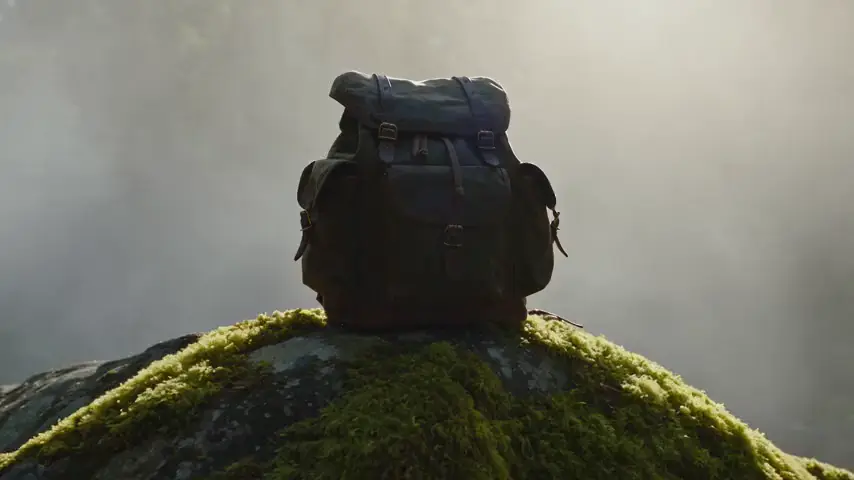 Push inDraw attention to one object: product reveals, portraits.Slow dolly push-in toward the subject.
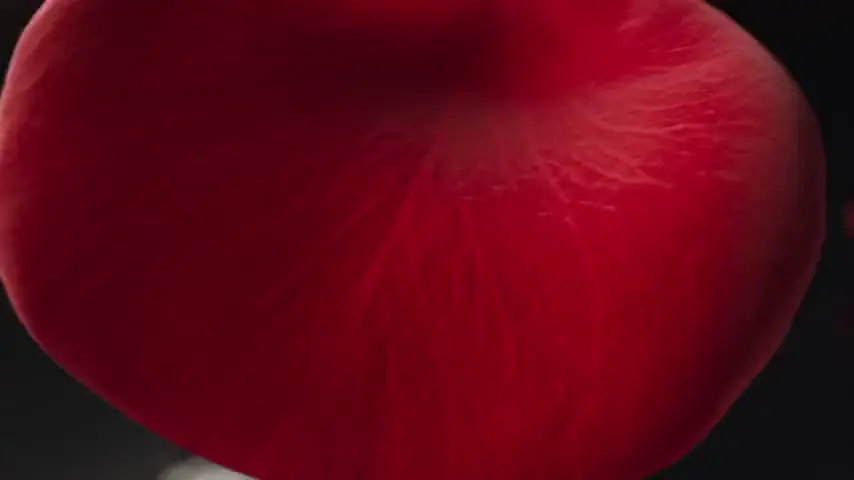 OrbitShow every side of a product or a character.The camera orbits slowly around the subject.
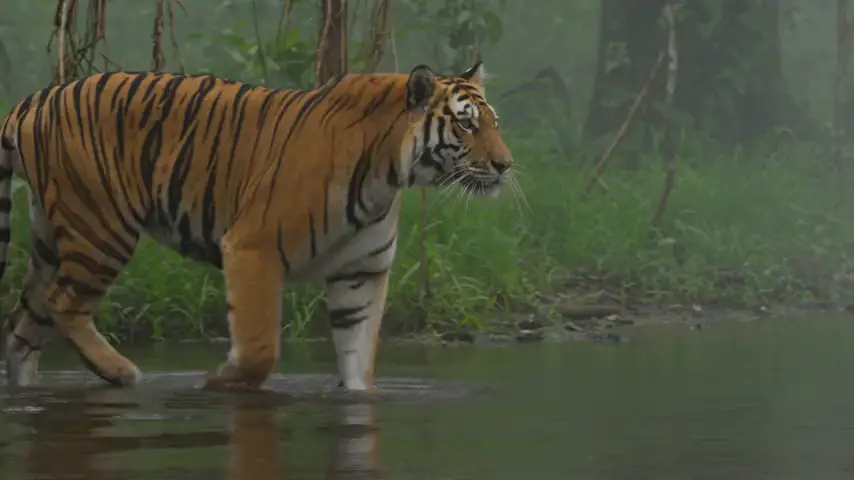 TrackingFollow a moving subject: runners, cars, animals.Smooth tracking shot that follows the subject.
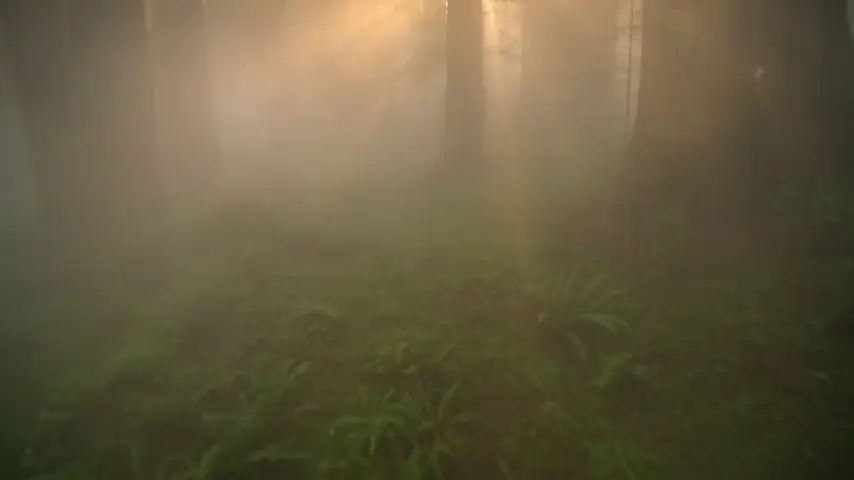 AerialLandscapes, cities and establishing shots.Aerial drone shot gliding forward high above the scene.
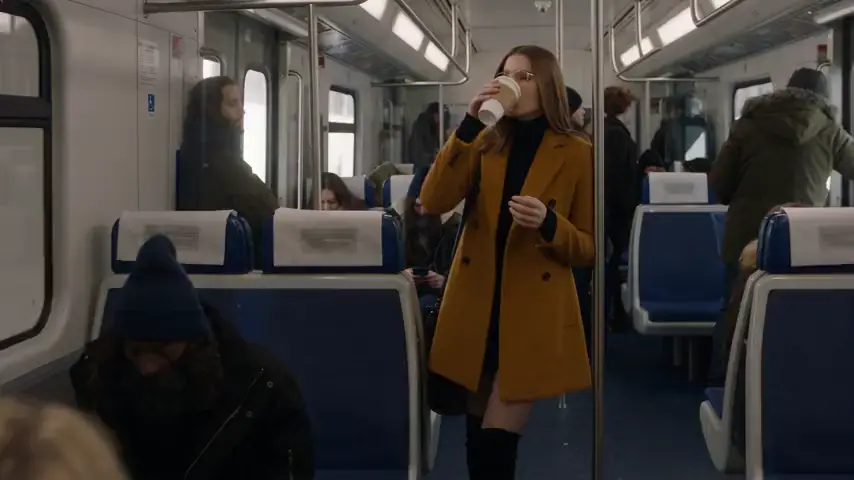 HandheldStreet and documentary energy for fashion and people.Handheld camera with subtle natural shake.
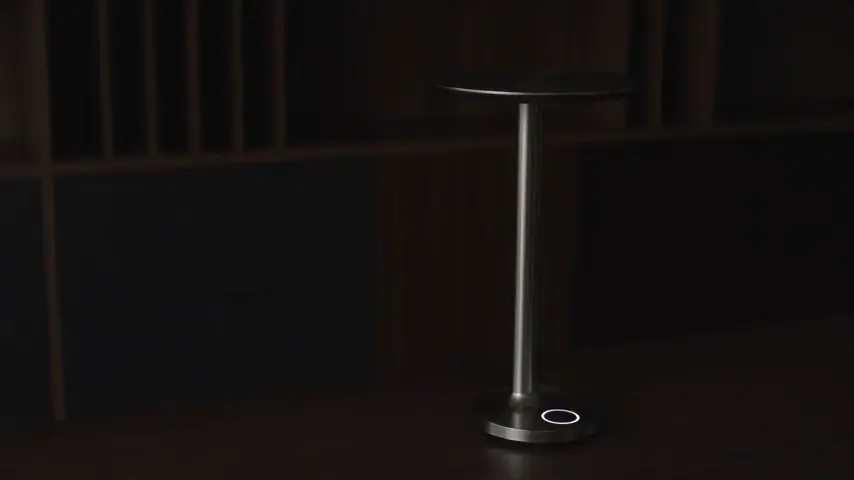 StaticLet the subject do the moving: reveals, time-lapses, a lamp switching on.Locked-off static camera.
Five looks
Looks stack.
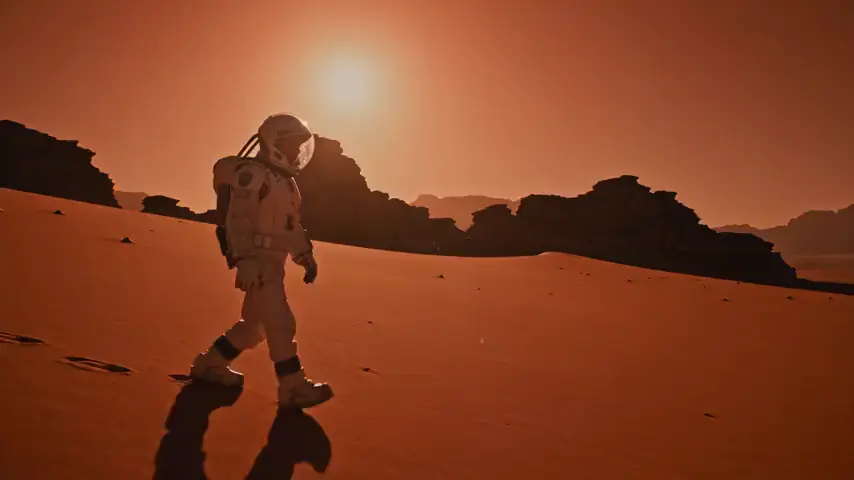 CinematicA film look for scenes and stories.Cinematic lighting, shallow depth of field, subtle film grain.
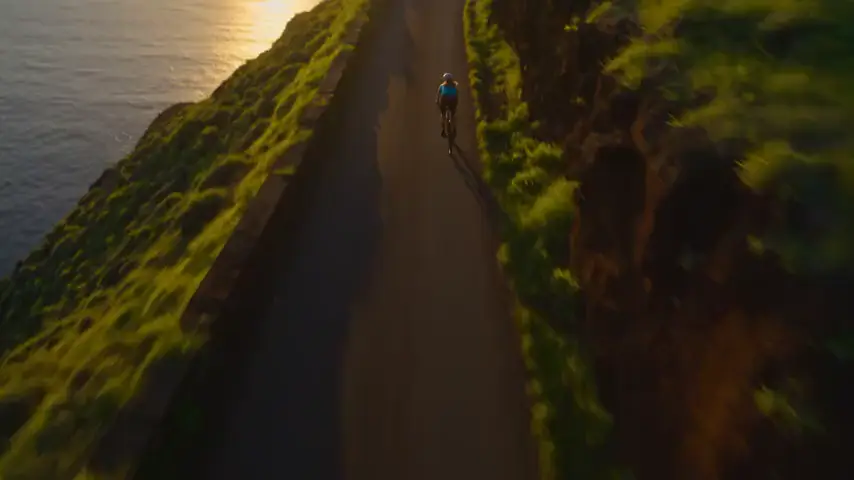 Golden hourWarm outdoor light for fashion, travel and lifestyle.Warm golden-hour sunlight with long soft shadows.
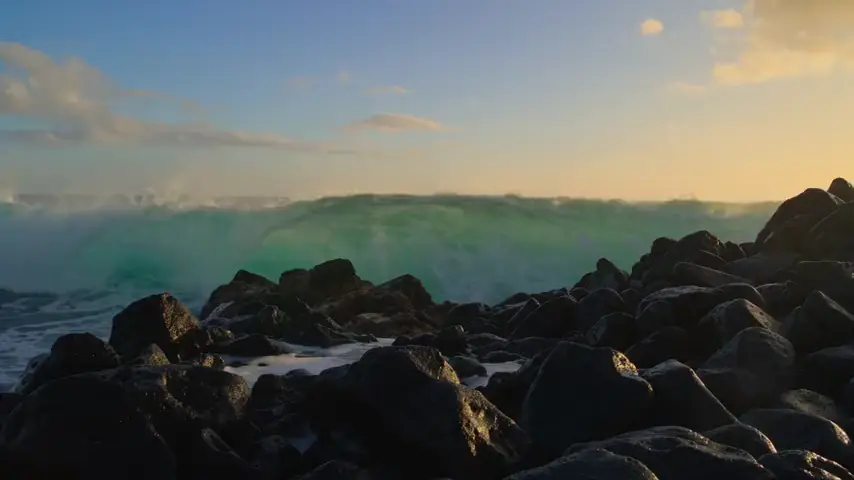 Slow motionSplashes, sport, fabric, anything fast.Shot in slow motion.
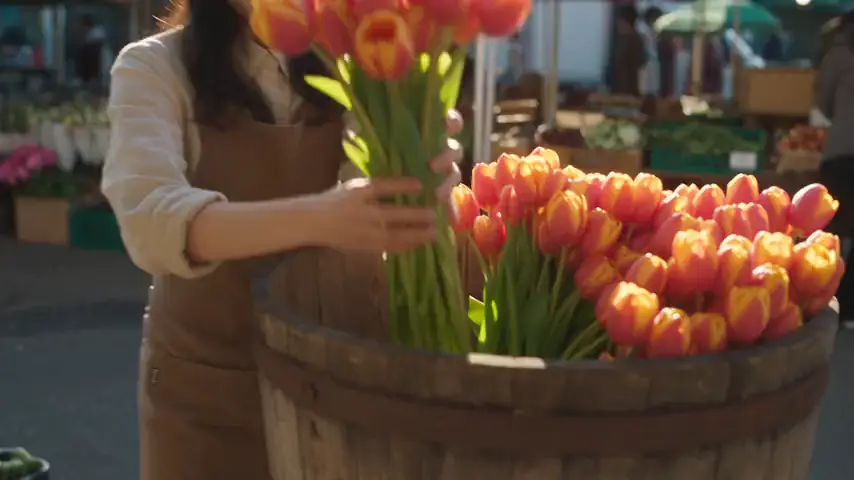 DocumentaryRealistic colour for people and places.Natural documentary look with realistic color.
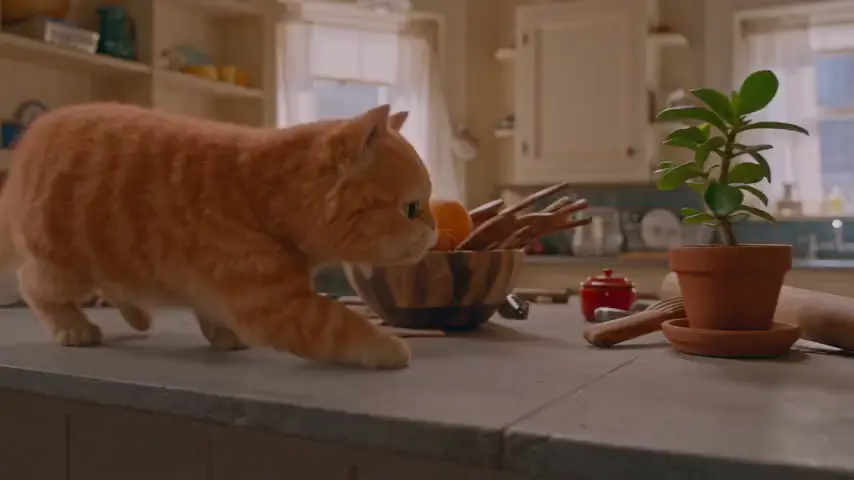 AnimationStylised 3D for characters and playful products.Stylized 3D animation with soft, colorful shading.
How they combine
- Order: scene first, camera next, look last.
- Write what is in the frame, then how the camera moves, then the light and style. Each preset is appended where you are when you tap it, so tap in that order.
- One camera, many looks.
- Tapping a second camera move removes the first. Tapping a look adds it; tap again to remove it.
- It is all just text.
- Edit the sentence after it lands. A preset is only a shortcut for typing; the model never sees anything but your prompt.
- Prompt length is per model.
- Each model has a character limit, and a preset is disabled when adding it would pass the limit.
Three prompts to fill in
Replace the brackets.
- [Subject] [doing something] in [a place], [light]. Slow dolly push-in toward the subject.
- [Product] on [a surface], [one detail in motion]. The camera orbits slowly around the subject. Cinematic lighting, shallow depth of field, subtle film grain.
- [Subject] moving through [a place]. Smooth tracking shot that follows the subject. Shot in slow motion.
Common questions
Do all models understand camera language?
Every model receives the same plain text. The template clips show how each one interpreted a move; a test clip on your chosen model is the only guarantee.
Can I write my own camera move?
Yes. The presets are ordinary sentences; write any move you like in the prompt, for example a crane up or a whip pan.
Where do these sentences come from?
They are the Studio's Camera and Style presets, quoted exactly. Tapping a preset inserts the same words.