
Cinematic
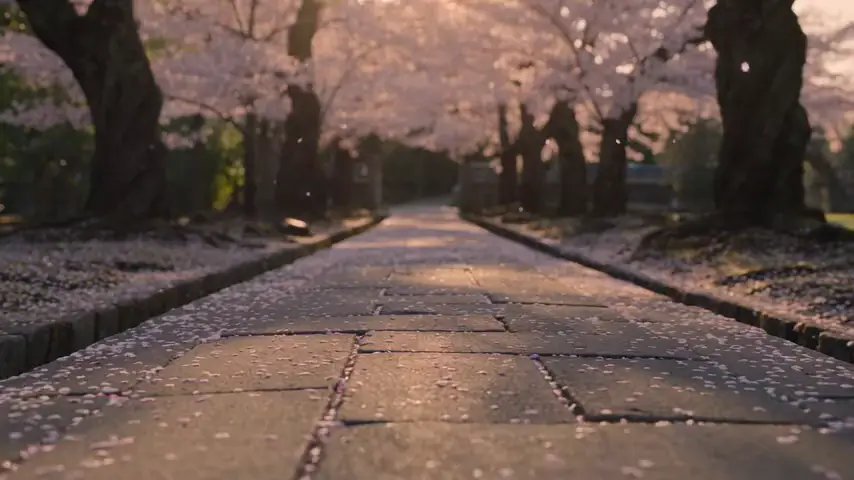
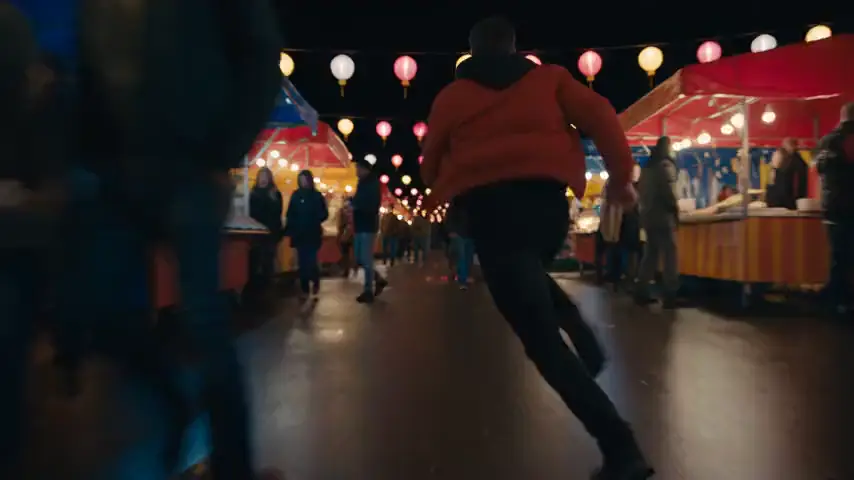
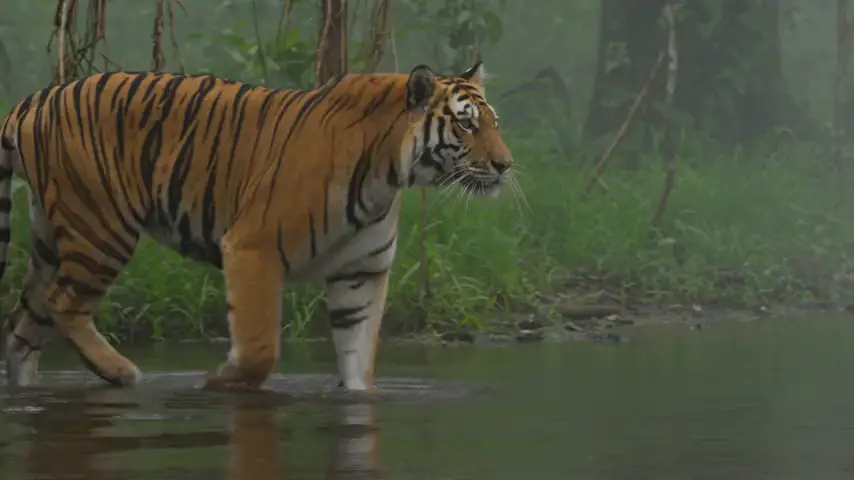
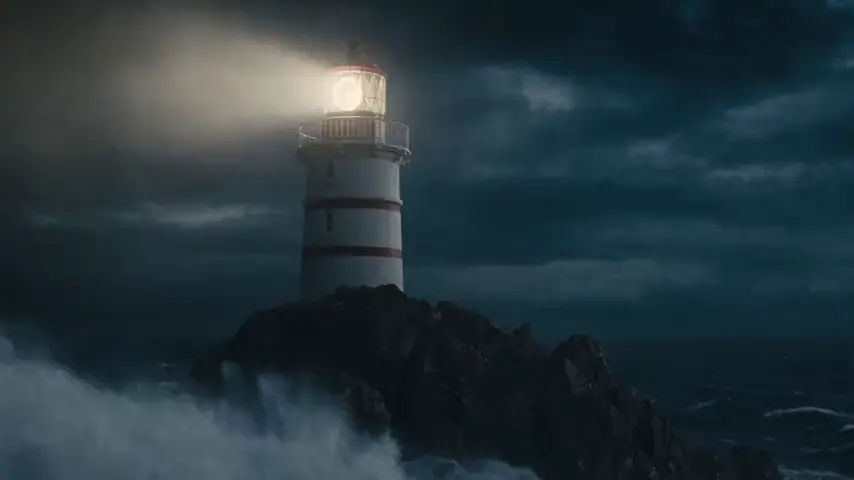
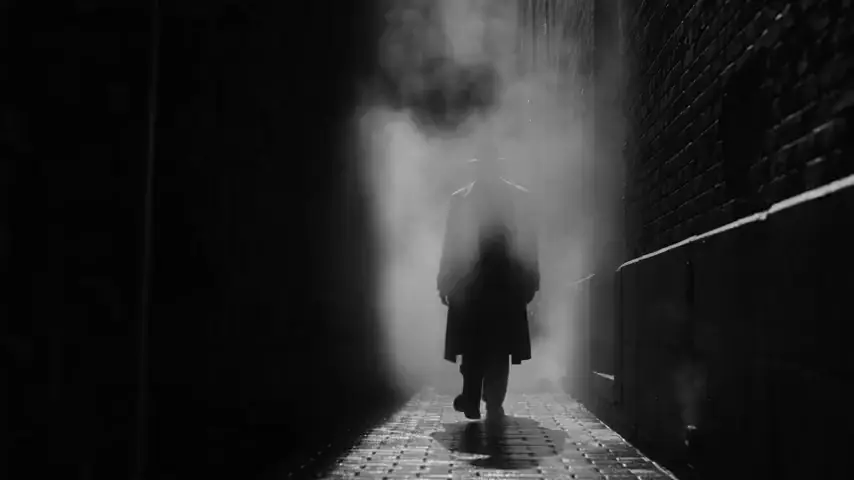
Scenes with a film look.
Landscapes, stories, establishing shots. One tap adds the camera move.
Priced per second. No account needed.
Start from a finished clip.
Swap the bracketed words. Generate.

Pick a model.
By price and capability from the live catalog.


Three steps.
- Start from a sceneRemix a template, or write subject, place, light.
- Direct the cameraPush in, orbit, tracking, aerial. Add a look.
- Choose length and soundLonger clips and audio where the model allows.
Before you generate.
How do I get the film look?
The Cinematic preset adds cinematic lighting, shallow depth of field and film grain. Pair it with a slow push in.
How long can a clip be?
Up to 30 seconds on Seedance 2.5. Each model lists its durations in the Studio.
Can I add sound?
On models with audio. Turn Audio on; the rate with sound shows beside the quality.